
Made for the quiet hours
Ready on first launchNothing to configure. Pick an anime and watch it.
Updates itselfNew versions install quietly in the background. A small popup tells you when one is ready.
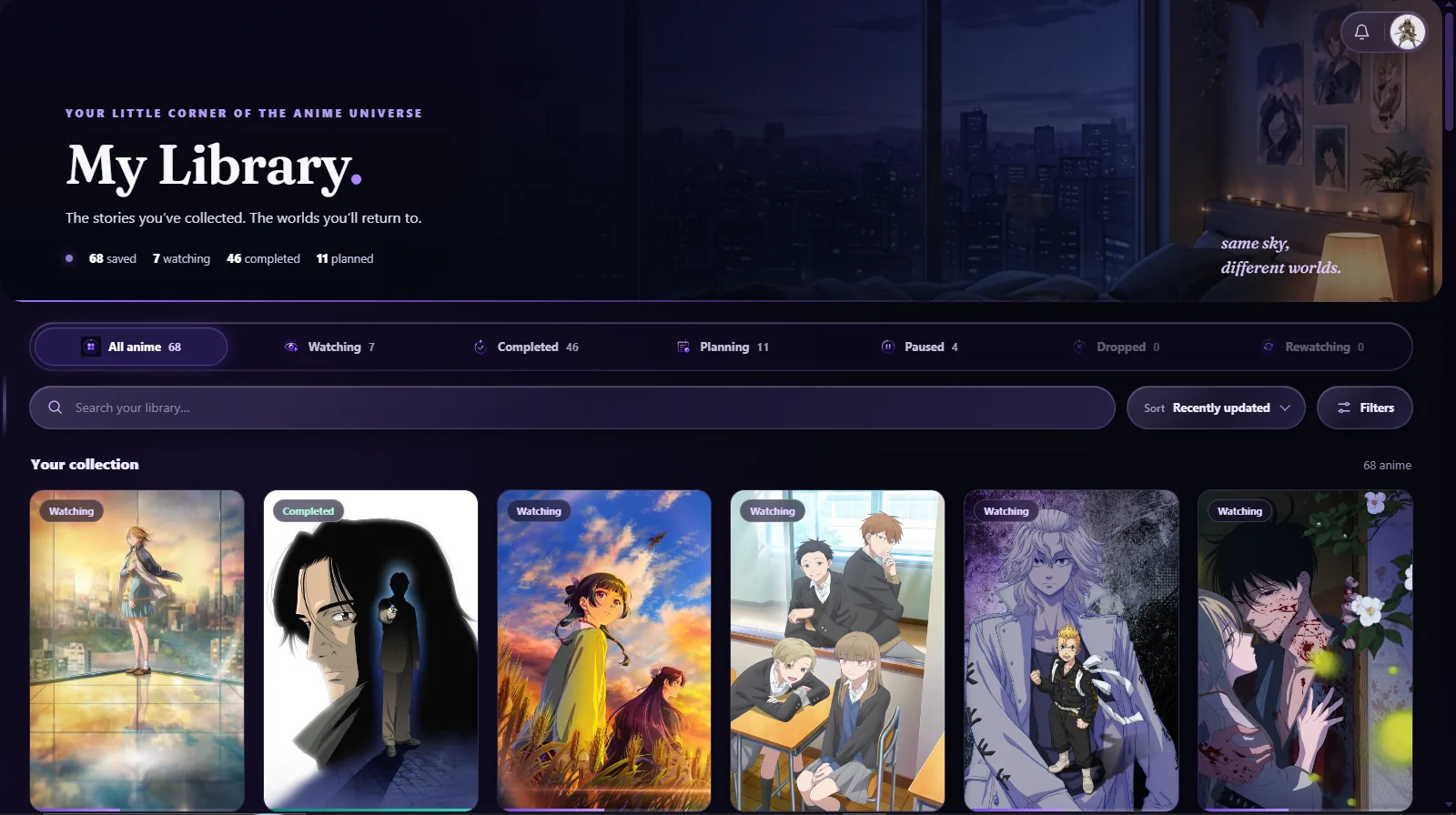
Your list, if you want itSign in to track what you watch, or skip it and browse as a guest.
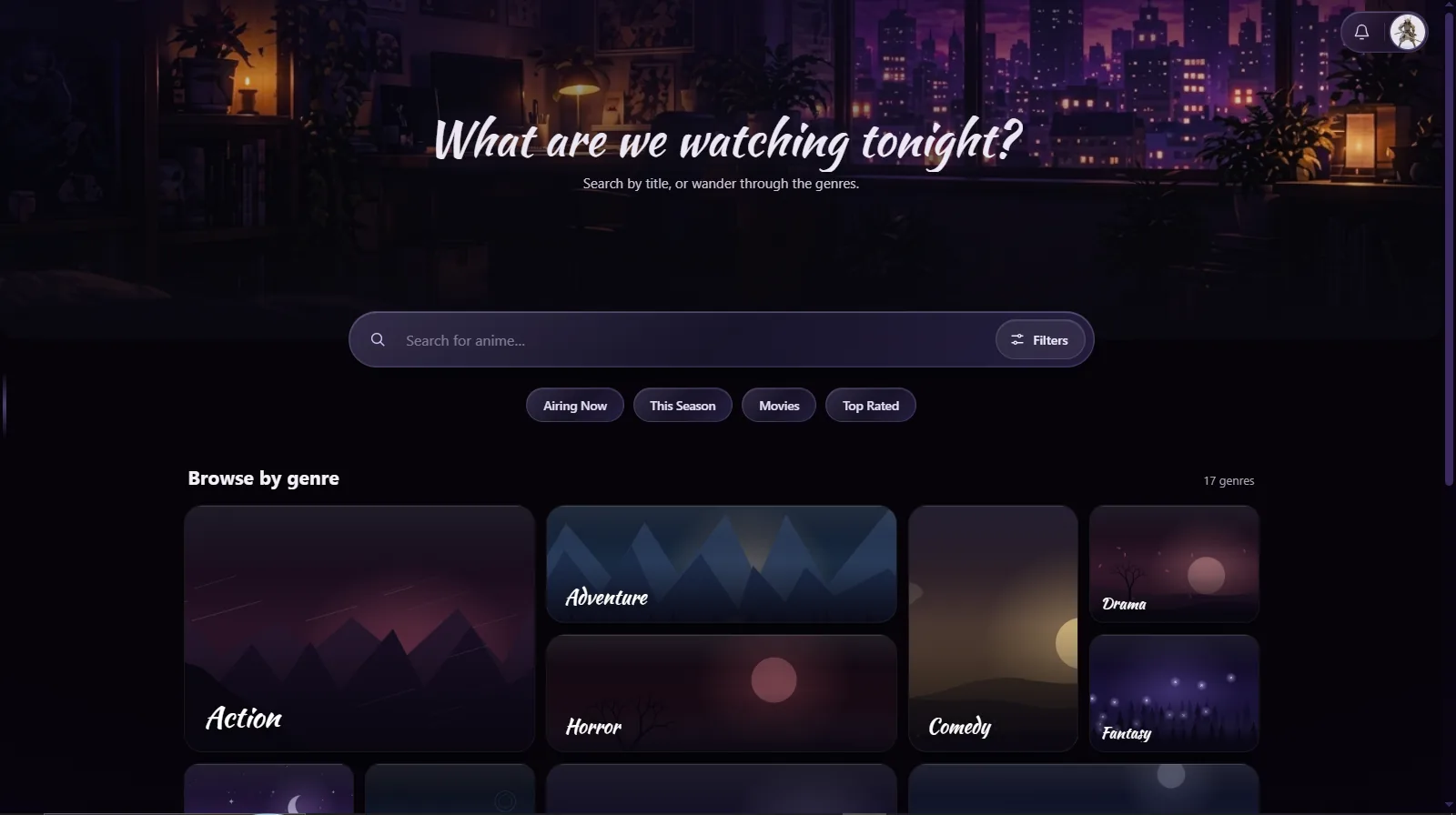
Yours to filter18+ titles stay hidden until you switch them on in Settings.
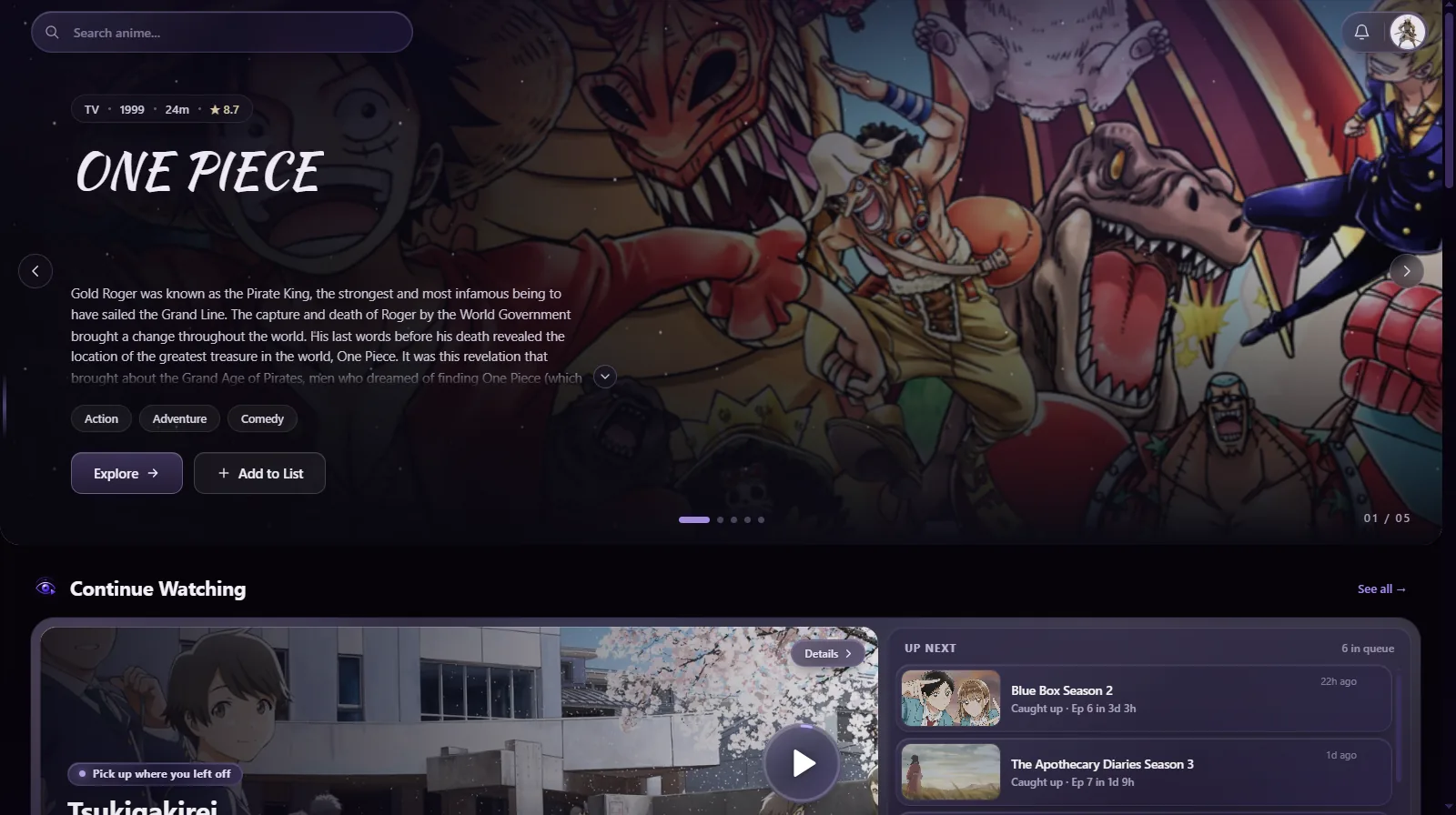
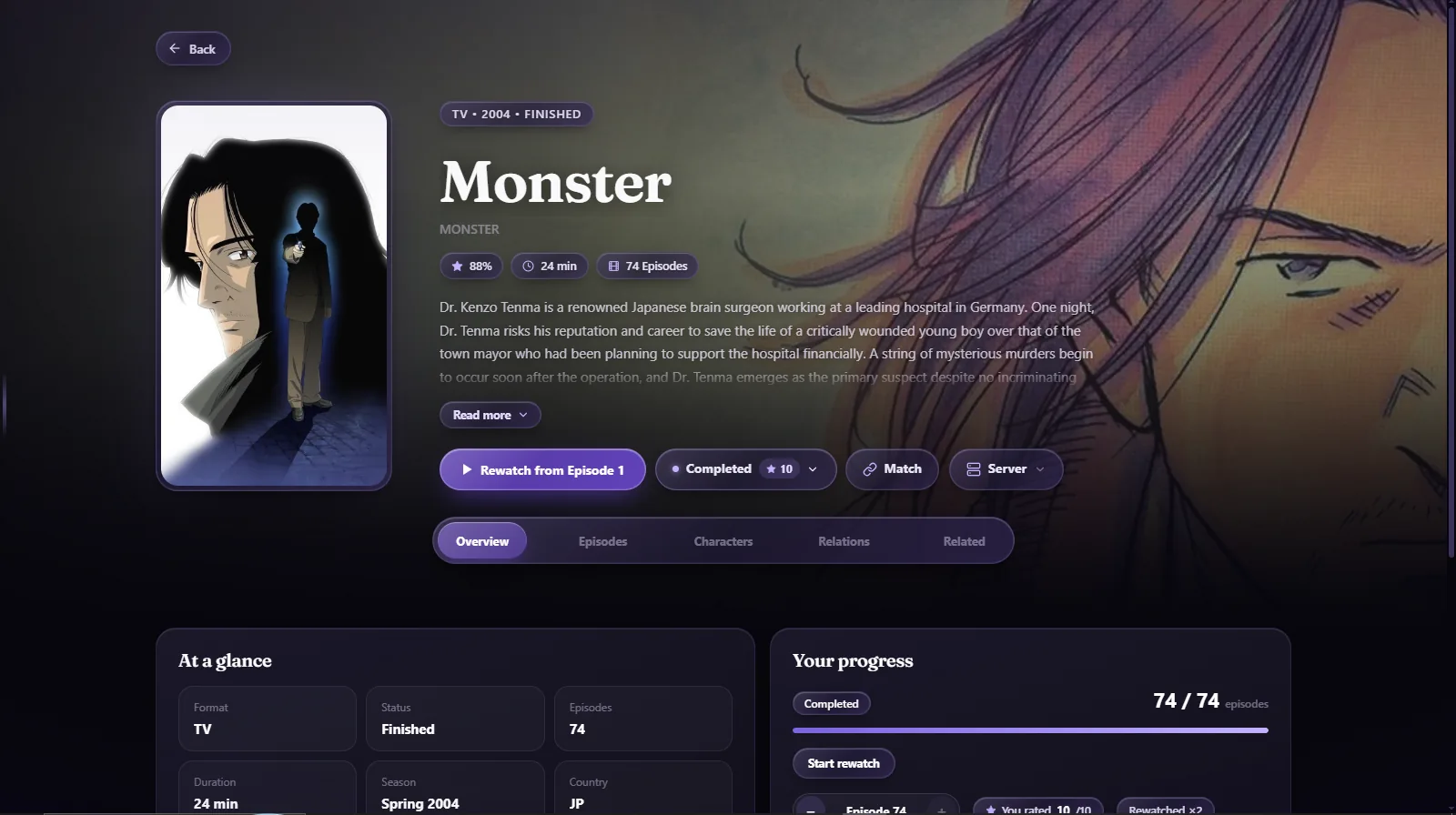
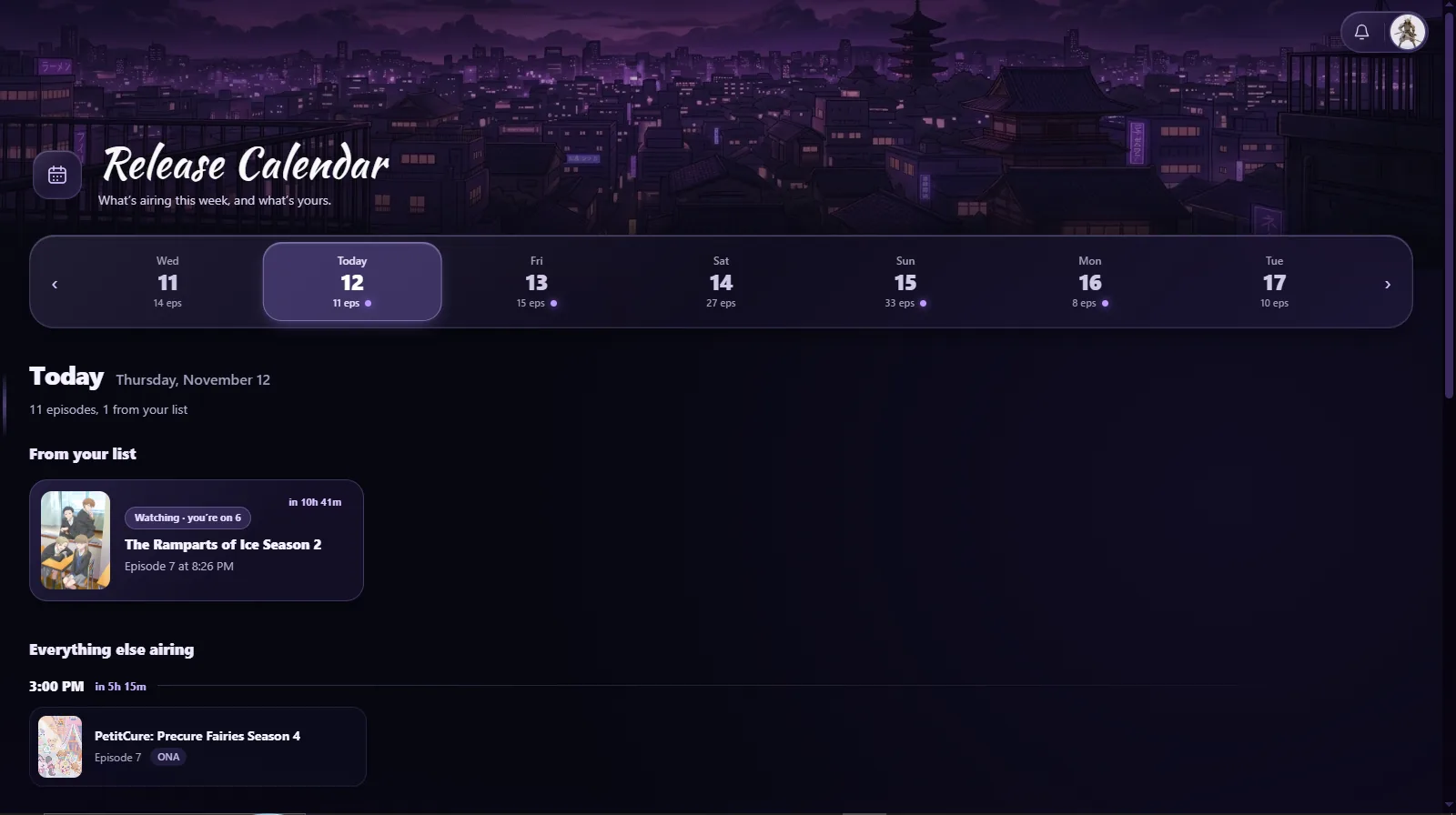
A look inside
Questions
Windows shows a SmartScreen warning. Is it safe?
Anitsuki is new and not yet widely downloaded, so Windows may warn you about it. Click “More info”, then “Run anyway”. The download page shows the file’s SHA-256 so you can check it matches.
An episode won’t play.
Switch servers by hand from the player. If none of them plays it, the anime isn’t available on any server right now. Try again later.
Do I need an account?
No. Guest mode works for browsing and watching. Sign in only if you want to track your list.
Which Windows versions are supported?
Windows 10 and Windows 11.